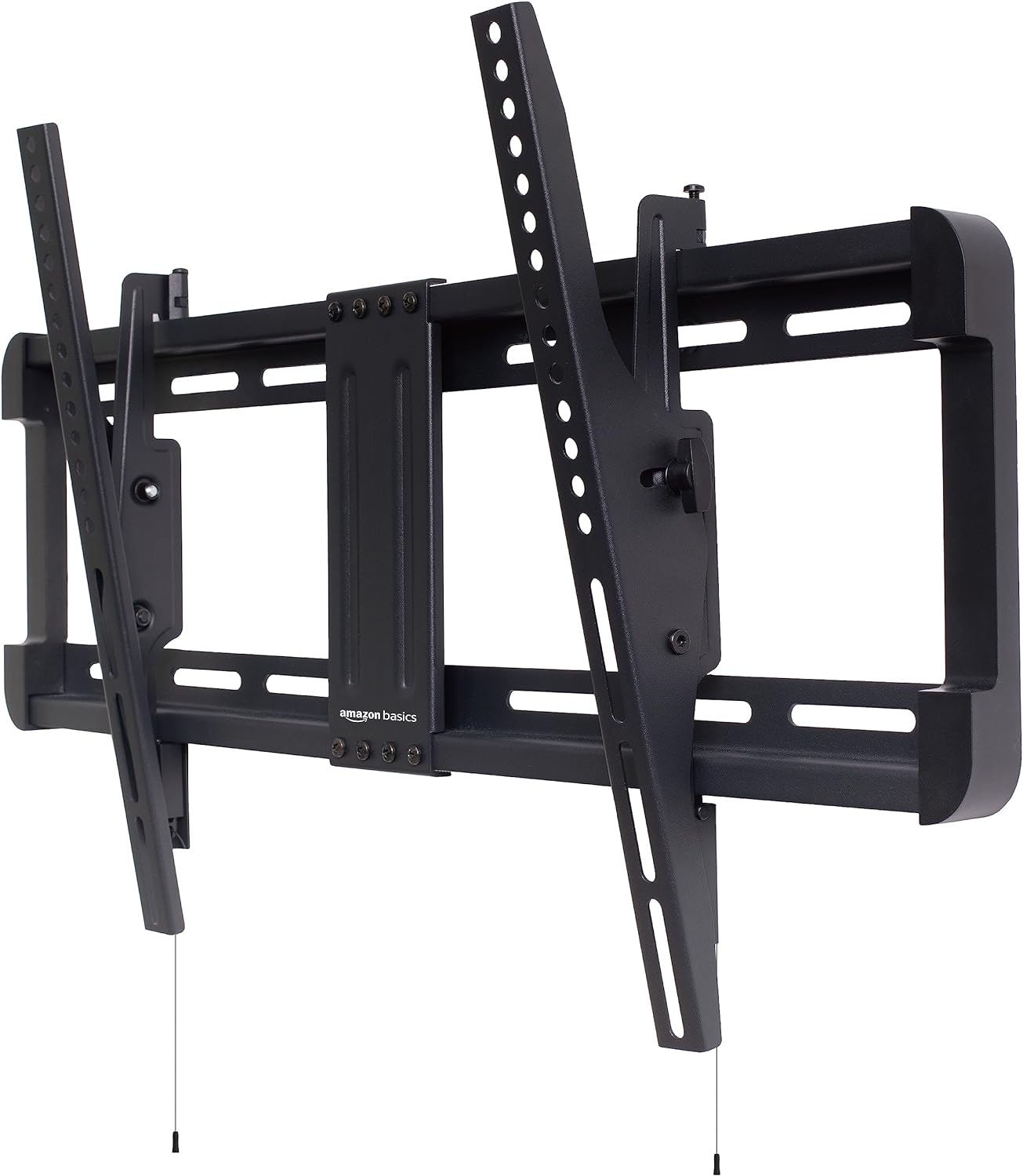
Basics TV Wall Mount - Leveling for 32-86
Basics TV Wall Mount - Leveling for 32-86
Price subject to change. Tap below for current.
Couldn't load pickup availability
Are you tired of straining your neck while watching TV? Say goodbye to discomfort with the Basics Tilt TV Wall Mount! Designed for 32 to 86 inch TVs, this sleek black wall mount brings both style and functionality to your entertainment space.
Let's talk features! First up, the convenient tilt mechanism allows you to adjust the viewing angle up or down to find that perfect position for your ultimate viewing experience. No more glare reflections ruining your movie nights!
Setting up this wall mount is a breeze, thanks to the horizontal post installation leveling feature. You won't have to stress about crooked mounting - simply adjust the level after installation to ensure your TV is perfectly aligned.
Safety is key when it comes to mounting your TV, and Basics has you covered. This wall mount is built with high-quality materials to ensure your TV stays securely in place, giving you peace of mind that your precious device is safe from accidental falls.
Need more reasons to love this wall mount? How about its compatibility with a wide range of TV sizes from 32 to 86 inches, making it super versatile for various rooms in your home. Plus, the black finish adds a modern touch to your space, effortlessly blending in with any decor style.
Whether you're a DIY enthusiast or a first-time wall mount user, the Basics Tilt TV Wall Mount is user-friendly and straightforward to install. It comes with all the necessary hardware and instructions, so you can have your TV mounted in no time without any hassle.
Upgrade your viewing experience and transform your living room into a mini home theater with the Basics Tilt TV Wall Mount. Say goodbye to neck strain and hello to comfortable, adjustable viewing angles for all your favorite shows and movies. Trust in Basics for quality, convenience, and style when it comes to your home entertainment setup.
Share