

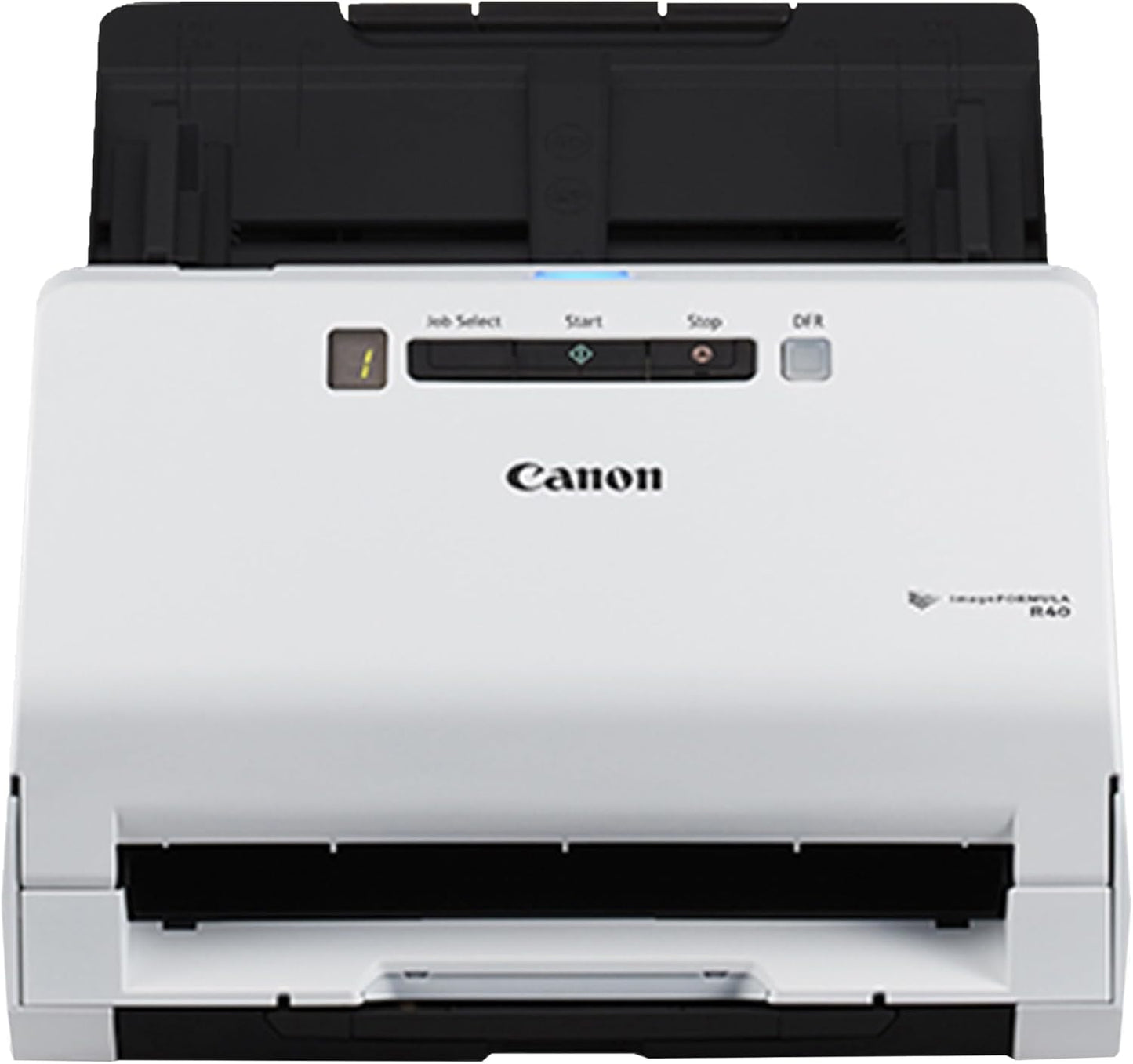
Canon imageFORMULA R40 Office Document Scanner - Fast Duplex
Canon imageFORMULA R40 Office Document Scanner - Fast Duplex
Price subject to change. Tap below for current.
Couldn't load pickup availability
In this review of the Canon imageFORMULA R40 the bottom line is straightforward: this is a practical, no-frills document scanner for small offices and home users who need reliable, fast digitizing. The R40 stands out because it converts paper into searchable digital files quickly and consistently, with duplex scanning up to 80 images per minute and a 60-sheet automatic feeder that keeps workflows moving. It is easy to set up via USB and includes Canon CaptureOnTouch plus OCR and business card software, making it a sensible pick for anyone focused on productivity rather than advanced network features.
Key Features
- Duplex scanning: Scans both sides of a document at once in color for efficient two-sided capture that halves processing time.
- Fast throughput: Up to 40 pages per minute simplex (80 images per minute duplex) to handle batch scanning jobs quickly with a 60-sheet feeder.
- Broad document handling: Reliably processes receipts, photos, business cards, reports, contracts and long or thick pages for versatile office use.
- Searchable output: Bundled OCR software and Readiris licenses make it easy to convert scans into searchable PDFs and editable text.
- Simple setup: Connects via the supplied USB cable and works with both Windows and Mac using included drivers for quick installation.
- Long document mode: Supports long document scanning up to 118 in for projects that include banners or extended pages.
Who It's For
The Canon imageFORMULA R40 is aimed at small business owners, home office users, and administrative staff who need dependable, high-quality scans without a steep learning curve. It is especially useful where mixed media scanning is required, from photos to receipts and business cards, and where one-touch operation speeds repetitive tasks.
Those who need advanced network sharing, wireless scanning, or enterprise deployment features should look elsewhere. Also, users who depend on flawless driver compatibility with the very latest Mac or niche legacy systems may encounter software issues and should verify compatibility with their OS before purchasing.
Pros & Cons
Pros
- High-speed duplex scanning saves time for batch jobs and multi-page documents.
- Bundled CaptureOnTouch and OCR tools deliver searchable PDFs and easy document organization.
- Handles a wide variety of document types, including long documents up to 118 in and business cards.
- Simple USB setup and one-year warranty with US-based support provide peace of mind.
Cons
- Some customers report occasional TWAIN driver errors and software compatibility problems with certain Mac and Windows versions.
Specifications
| Brand | Canon |
| Model | imageFORMULA R40 |
| Scan speed | Simplex up to 40 ppm, Duplex up to 80 ipm |
| Automatic feeder | 60-sheet ADF |
| Grayscale | 8-bit |
| Long document mode | Up to 118 in |
| Compatibility | Windows and Mac, TWAIN driver included |
Our Verdict
The Canon imageFORMULA R40 is a practical, value-oriented document scanner that delivers fast duplex throughput and good image quality for everyday office tasks. It is a solid buy for small teams and home users who need searchable digital files and versatile media handling, though buyers should confirm driver compatibility with their OS if they run very new or uncommon system versions.
Frequently Asked Questions
Does the R40 produce searchable PDFs?
Yes. The scanner ships with OCR software including Readiris to create searchable PDFs and extract editable text.
Can it handle long documents?
Yes. Long document mode supports pages up to 118 in for banners or extended materials.
Is setup difficult on Mac or Windows?
Setup is normally simple via the supplied USB cable, but some users have reported TWAIN driver or compatibility issues with certain OS versions, so check compatibility first.
Editor's Take
The Canon imageFORMULA R40 is a practical, fast duplex document scanner that produces searchable PDFs and handles varied media; a good value for small offices, though check driver compatibility with newer OS versions.

Recently viewed
Recently viewed products will appear here as customers browse the store.