

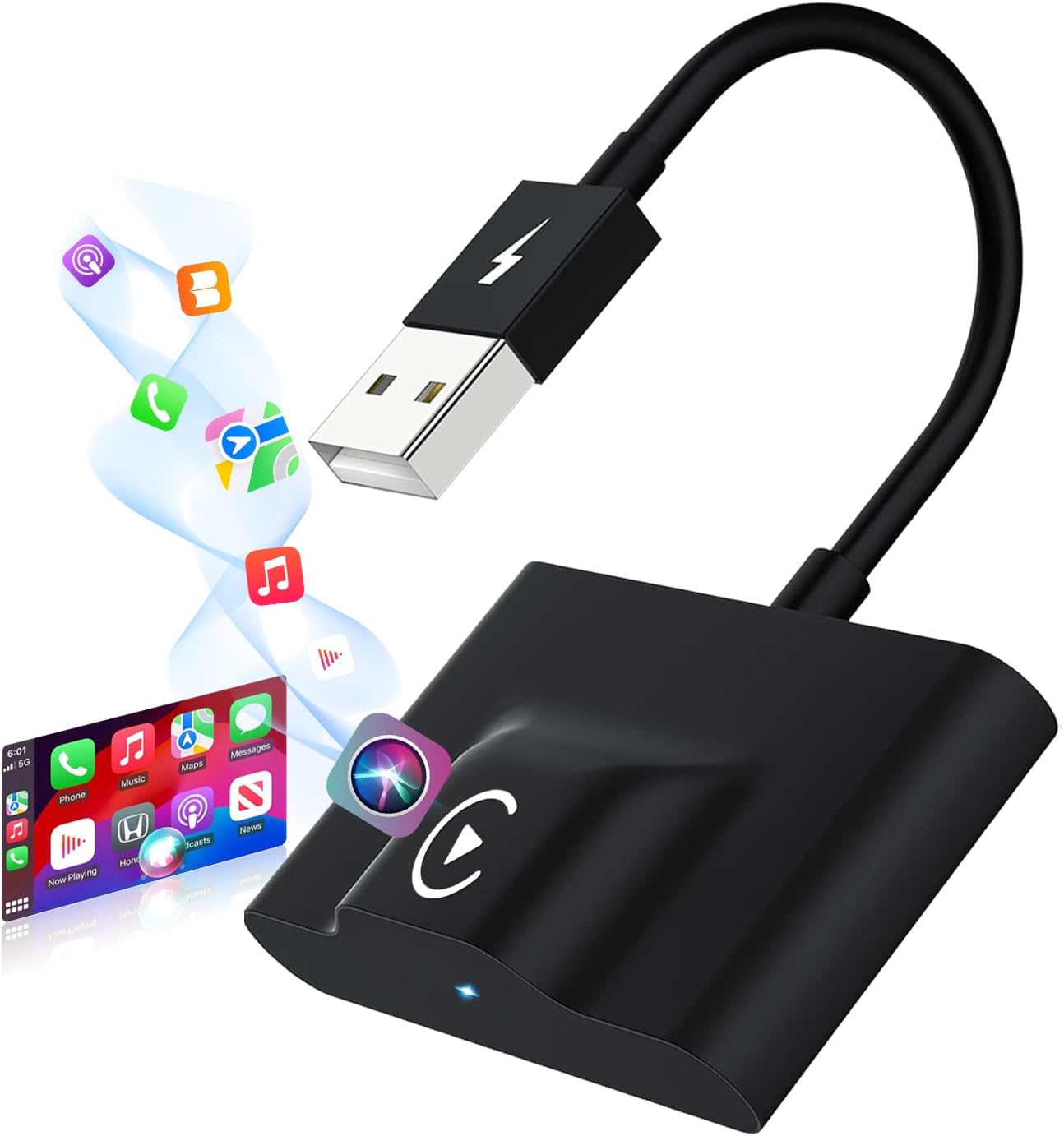
CarPlay Wireless Adapter for Apple - Convert Wired CarPlay to Wireless
CarPlay Wireless Adapter for Apple - Convert Wired CarPlay to Wireless
Price subject to change. Tap below for current.
Couldn't load pickup availability
In this review the CarPlay Wireless Adapter for Apple is evaluated as a straightforward way to convert a factory wired CarPlay connection into a wireless one for drivers who want hands-free convenience. The adapter stands out for a simple two-step connection that uses Bluetooth pairing to trigger an automatic WiFi link, so the biggest reason to buy is the ease of setup and reliable in-car CarPlay experience without running cables. It is best suited to iPhone users with wired CarPlay in compatible vehicles who want auto-reconnect and plug-and-play simplicity.
Key Features
- Unique Connection Principle: Uses Bluetooth pairing to initiate a dedicated WiFi link so CarPlay runs wirelessly with a stable connection.
- Plug and Play Setup: No app required; insert the adapter, enable phone Bluetooth and WiFi, pair once and the device auto-reconnects on startup.
- Wide iPhone Compatibility: Works with iPhone 6 and above and iOS 10 and later so most Apple phones are supported.
- Modern Wireless Tech: Built with Bluetooth 5.3 and 5.8 GHz WiFi plus a smart chip to reduce lag and dropouts compared with older adapters.
- Controls Integration: Supports Siri, steering wheel controls and original vehicle buttons so drivers keep standard CarPlay functions.
- Support and Warranty: Includes a 12-month warranty and lifetime technical support for compatibility help and troubleshooting.
Who It's For
The adapter is ideal for drivers who own an iPhone and a vehicle with factory wired CarPlay and who want the convenience of automatic wireless CarPlay without installing extra software. It particularly fits commuters and families who prefer quick, repeatable connections and hands-free Siri control while driving.
It is not for Android users or vehicles without wired Apple CarPlay support, and anyone who needs wireless streaming of video apps should look elsewhere because the device does not support streaming video services.
Pros & Cons
Pros
- Reliable auto-reconnect after one initial Bluetooth pairing keeps the phone connected every time the car starts.
- No apps or complex settings required, making setup accessible to nontechnical users.
- Maintains full CarPlay functionality including Siri and steering wheel controls for safe driving interaction.
- Includes USB to USB-C adapter and manufacturer support with a 12-month warranty.
Cons
- Does not support Android Auto or Android phones, limiting buyers to Apple ecosystem owners.
- Does not enable streaming video apps, so it only extends typical CarPlay audio and navigation functions.
Specifications
| Brand | FUYAGLOW |
| Compatibility | iPhone 6 and above, iOS 10 and above |
| Connection | Bluetooth pairing then 5.8 GHz WiFi auto-connect |
| Bluetooth Version | Bluetooth 5.3 |
| Plug Type | USB-A with included USB to USB-C adapter |
| Warranty | 12-month warranty + lifetime technical support |
Our Verdict
The CarPlay Wireless Adapter is a smart, value-minded upgrade for Apple users who want to ditch the cable without losing CarPlay features. With simple pairing, solid wireless tech and retained control via Siri and vehicle buttons, it delivers a near-wired experience wirelessly and is worth buying for compatible iPhone owners seeking convenience.
Frequently Asked Questions
Will this work with Android phones?
No. The adapter is designed for Apple devices only and does not support Android Auto or Android phones.
Do I need to install an app to use it?
No. It is plug and play; enable Bluetooth and WiFi on your phone, pair once and select Use CarPlay when prompted.
Does it stream video like YouTube or Netflix?
No. This product supports CarPlay functions such as maps, music and calls but does not support streaming video apps.
Editor's Take
The FUYAGLOW CarPlay Wireless Adapter converts factory wired CarPlay to wireless with simple Bluetooth pairing, reliable auto-reconnect and retained CarPlay controls, making it a practical upgrade for compatible iPhone owners.

Recently viewed
Recently viewed products will appear here as customers browse the store.