

Dell Vostro 3530 15.6in Laptop for Business and Student - Reliable
Dell Vostro 3530 15.6in Laptop for Business and Student - Reliable
Price subject to change. Tap below for current.
Couldn't load pickup availability
Our review of the Dell Vostro 3530 finds it best suited to small business users, students, and remote workers who need a durable, no-nonsense laptop that prioritizes productivity. The single biggest reason to buy is its balanced combination of a modern Intel 13th Gen i3 processor and a large 32GB DDR4 memory pool, which keeps common office apps, browser tabs, and virtual meetings responsive without paying for a higher tier CPU. The machine's 1TB PCIe NVMe SSD and full Windows 11 Pro setup make it ready for day-one use in professional and academic settings.
Key Features
- Processor: The 13th Gen Intel Core i3-1305U delivers efficient multi-threaded performance for office apps and web-based workflows, helping users stay productive on the go.
- Memory: With 32GB DDR4 RAM the system handles heavy multitasking and large spreadsheets more smoothly than typical entry-level laptops.
- Storage: The 1TB M.2 PCIe NVMe SSD provides fast boot times and ample local storage for documents, media, and projects without external drives.
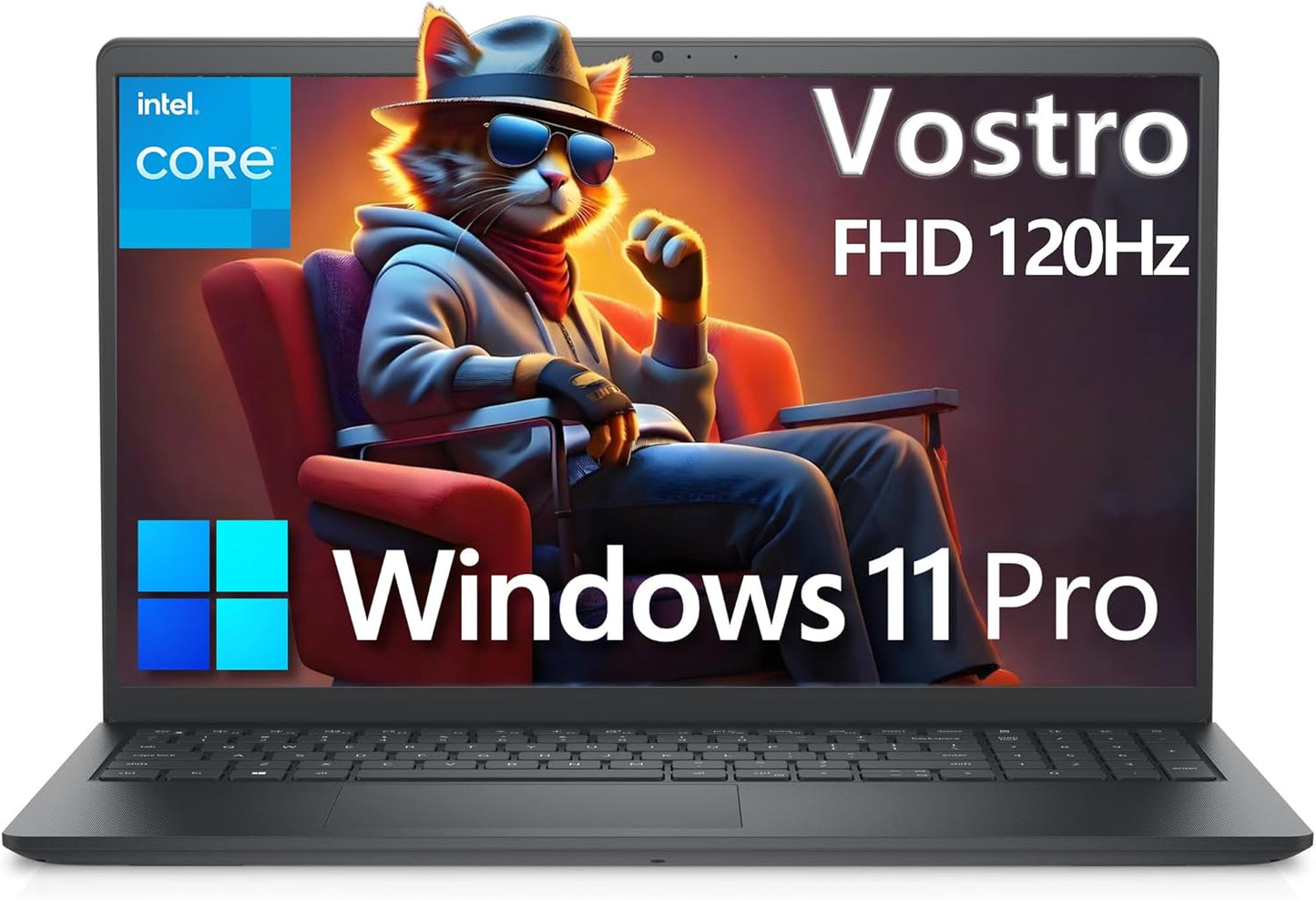
- Display: The 15.6in FHD 120Hz anti-glare panel gives a sharp, flicker-free image with a narrow border that is comfortable for long work sessions and basic content review.
- Connectivity: A mix of USB-A, USB-C, HDMI, RJ45, and an SD slot offers straightforward connections to peripherals, external displays, and wired networks in small office setups.
- Security and OS: Shipping with Windows 11 Pro and Vostro-class build options, the laptop is geared toward business users who need a stable, managed platform.
Who It's For
The Vostro 3530 is aimed at small business owners, entrepreneurs, and students who need dependable everyday performance and strong multitasking capability without a premium price tag. Professionals who run office suites, multiple browser tabs, video calls, and light media tasks will appreciate the 32GB RAM and roomy 1TB SSD.
Those who need high-end graphics, color-critical displays, or a backlit keyboard for heavy evening use should look elsewhere; the integrated Intel UHD Graphics and non-backlit keyboard are functional but not tailored to designers, gamers, or creators seeking advanced color accuracy.
Pros & Cons
Pros
- Large 32GB RAM and 1TB NVMe storage let power users multitask and store files locally with speed.
- The 13th Gen i3 offers efficient everyday performance and decent burst speeds for office workloads.
- Generous selection of ports including USB-C, HDMI, and RJ45 makes connecting to docks and networks simple.
Cons
- The display is 250 nits and 45% NTSC, so it is not ideal for color-critical visual work or very bright environments.
- Keyboard is non-backlit, which may be limiting for users who type in low-light conditions.
Specifications
| Processor | 13th Gen Intel Core i3-1305U (10MB cache, 5 cores, up to 4.50 GHz) |
| Memory | 32GB DDR4 RAM |
| Storage | 1TB M.2 PCIe NVMe SSD |
| Display | 15.6in FHD 1920 x 1080, 120Hz, anti-glare, 250 nits |
| Graphics | Integrated Intel UHD Graphics |
| Ports | USB 3.2 Gen1, USB 2.0, USB-C, HDMI 1.4, RJ45, audio, SD slot |
| Operating System | Windows 11 Pro 64-bit |
Our Verdict
The Dell Vostro 3530 is a practical choice for business users and students who need a responsive laptop for multitasking, office productivity, and remote work. Its 32GB RAM and 1TB NVMe SSD deliver real-world speed, while the 13th Gen i3 provides efficient performance at a reasonable cost, making it a solid value for professional use where color-critical display and backlighting are not priorities.
Frequently Asked Questions
Does this laptop include a webcam?
The Vostro 3530 includes a 720p HD RGB camera with an integrated microphone suitable for video calls and remote meetings.
Can the storage or RAM be upgraded?
There is an M.2 2230/2280 slot for SSD upgrades and the system ships with 32GB DDR4; further RAM changes depend on the specific motherboard configuration and service manual.
Which ports are available for external displays?
You can use the HDMI 1.4 port or a USB-C port (depending on supported Alternate Mode) to connect an external monitor, plus wired Ethernet via RJ45 for networked setups.
Editor's Take
The Dell Vostro 3530 is a practical business and student laptop that pairs a 13th Gen Intel i3 with 32GB RAM and a 1TB NVMe SSD for dependable multitasking and fast storage, offering strong value for productivity-focused users.

Recently viewed
Recently viewed products will appear here as customers browse the store.