

Excel Crash Course for Engineers - Practical Excel for Technical Work
Excel Crash Course for Engineers - Practical Excel for Technical Work
Price subject to change. Tap below for current.
Couldn't load pickup availability
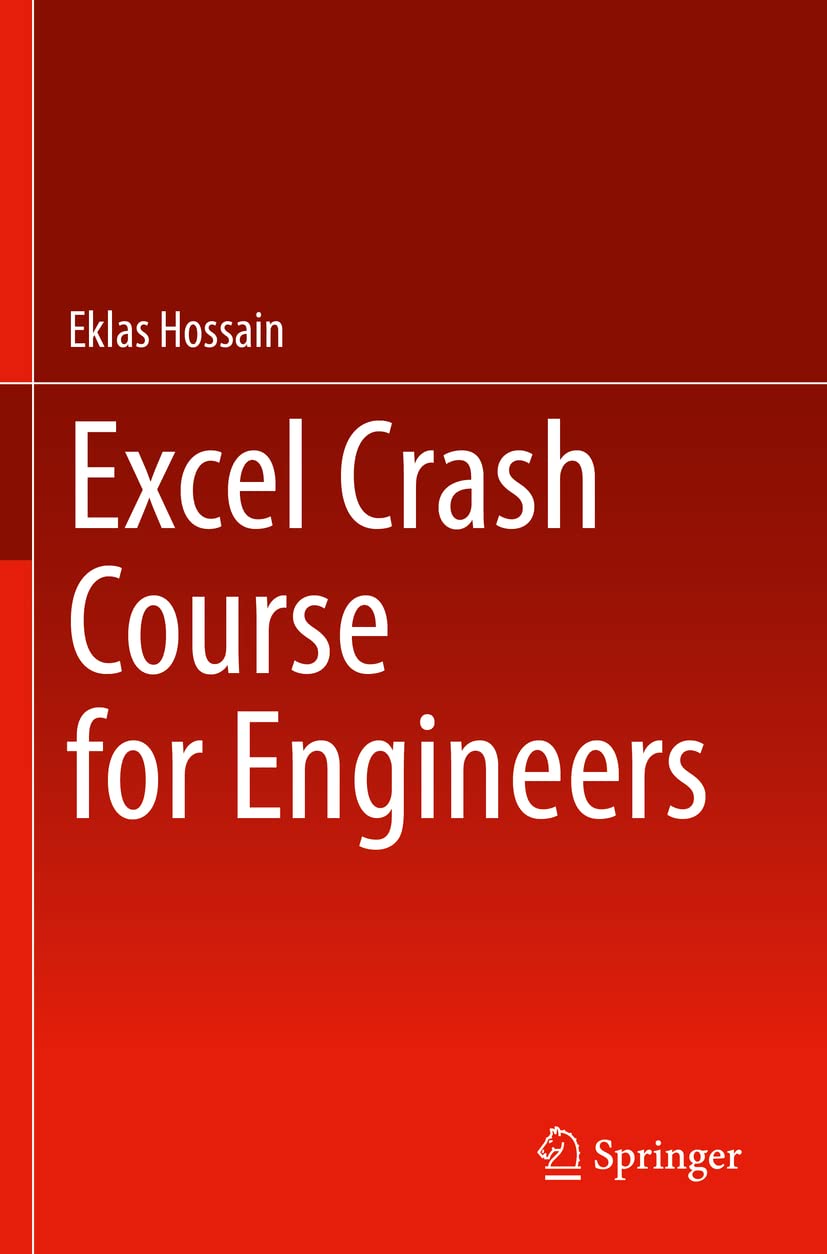
In this review of Excel Crash Course for Engineers the bottom line is clear: this is a compact, reader-friendly introduction that helps engineers and technical students start applying Microsoft Excel to real engineering problems quickly. The book's single biggest reason to buy is its practical, example-driven approach that pairs step-by-step demonstrations with engineering-focused exercises, making it easy to turn abstract Excel features into usable workflows for analysis, charting, and simple automation.
Key Features
- Reader-friendly introduction: Presents Excel fundamentals in clear, accessible language so busy technical professionals can learn without wading through unnecessary theory.
- Engineering examples: Exercises and case studies are drawn from engineering situations, helping readers practice relevant calculations and visualizations.
- Graphing and charting: Shows how to create and customize charts to visualize engineering data and trends effectively.
- Functions and formulae: Covers essential Excel functions and formula techniques needed for routine engineering analysis and data manipulation.
- VBA introduction: Provides an introduction to Excel's Visual Basic for Applications so readers can begin simple automation and repetitive-task scripting.
- Highly illustrated walkthroughs: Step-by-step, illustrated demonstrations make techniques easier to follow and reproduce on real projects.
Who It's For
This book is best for undergraduate engineering students, early-career engineers, and technical professionals who need a concise, practical guide to Excel tailored to engineering tasks. Its example-driven format favors readers who learn by doing and want immediate applicability to data analysis, graphing, and simple automation.
Experienced spreadsheet power users or those seeking an exhaustive reference on advanced VBA programming or specialized simulation tools may find the coverage introductory rather than comprehensive and should look for more advanced titles instead.
Pros & Cons
Pros
- Practical, engineering-focused examples that map directly to real workplace problems.
- Clear, illustrated step-by-step instructions that make learning faster for busy readers.
- Balanced coverage of charting, functions, and an approachable introduction to VBA.
Cons
- Coverage is introductory, so advanced users will need additional resources for deep VBA or specialized analytics.
Specifications
| Product | Excel Crash Course for Engineers |
| Author/Brand | Eklas Hossain |
| Focus | Excel features and applications for engineering |
| Key topics | Graphing, functions, VBA, engineering data analysis |
| Style | Reader-friendly with illustrated step-by-step demonstrations |
| Target audience | Students, engineers, technical professionals |
Our Verdict
Excel Crash Course for Engineers is a solid introductory guide that delivers practical, engineering-oriented instruction without unnecessary complexity. It represents good value for students and early-career engineers who need to apply Excel to real problems quickly; those needing advanced scripting or exhaustive reference material should supplement it with more specialized resources.
Frequently Asked Questions
Does this book cover VBA for automation?
Yes. It includes an introduction to Excel VBA intended to get readers started with basic automation and repetitive-task scripting.
Are the examples relevant to engineering work?
Yes. The book uses real-world engineering examples and exercises to teach functions, charting, and data analysis techniques.
Is this suitable for complete beginners to Excel?
Yes. The reader-friendly format and step-by-step illustrations make it appropriate for beginners who need practical, applied Excel skills.
Editor's Take
Excel Crash Course for Engineers is a practical, example-driven introductory guide that helps students and early-career engineers apply Excel to real engineering problems quickly; advanced users should seek further resources for deeper VBA or analytics.

Recently viewed
Recently viewed products will appear here as customers browse the store.