HDMI KVM USB Extender Over Cat5e/6/7 for 1080P Remote Control
HDMI KVM USB Extender Over Cat5e/6/7 for 1080P Remote Control
Price subject to change. Tap below for current.
Couldn't load pickup availability
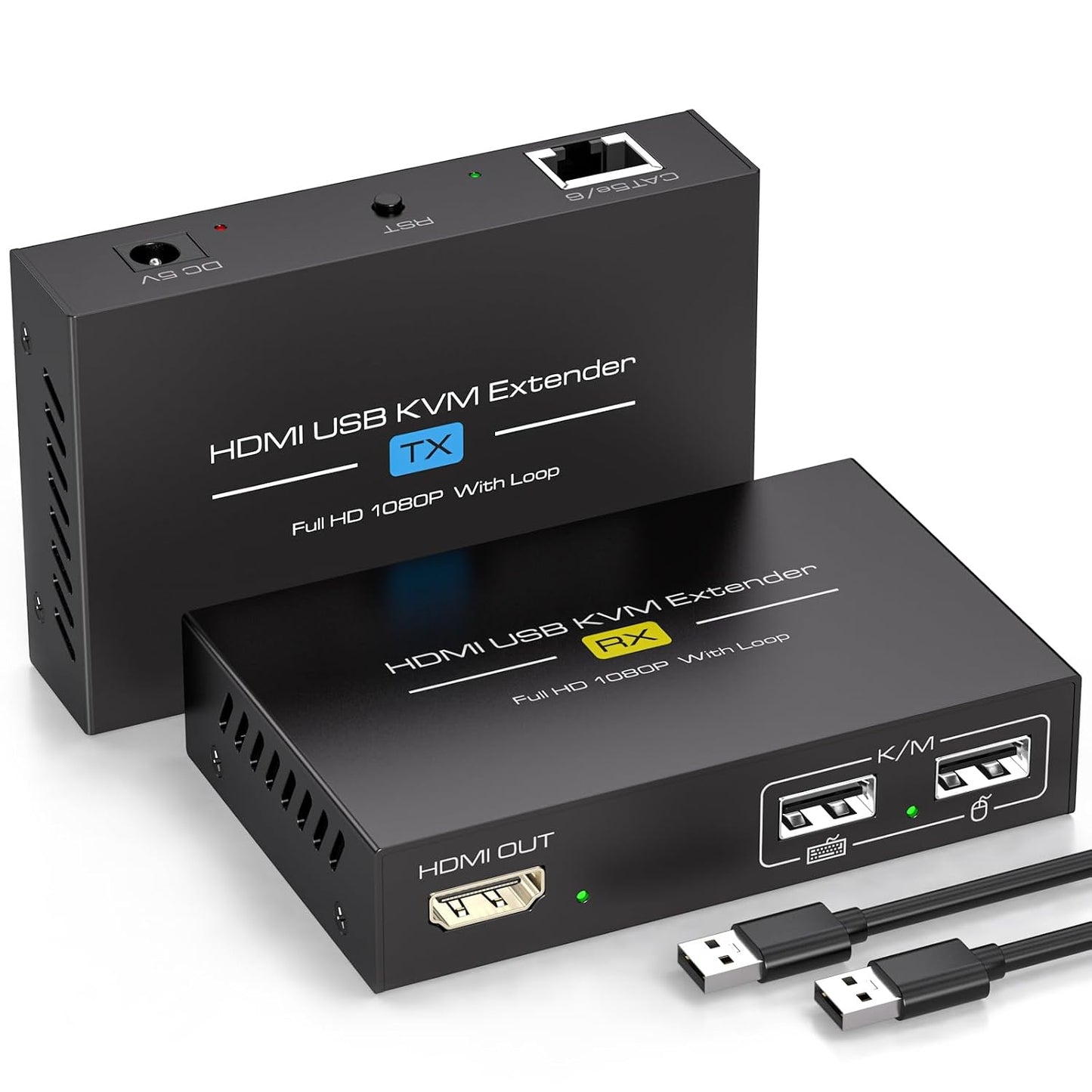
The HDMI KVM USB Extender over Cat5e/6/7 is a revolutionary device designed to transmit HDMI signals and USB data seamlessly up to 394 feet (120 metres). This extender allows you to connect a mouse and keyboard on the receiving end (RX) to remotely control a computer located on the sending end (TX). It's essential to ensure that the network cable used complies with IEEE-568B standards for optimal performance.
One of the standout features of this KVM Extender is its loop output capability. This allows the signal to be distributed to up to two displays or devices, supporting separate connections for the transmitter (TX) and receiver (RX) to HDMI displays. This is particularly beneficial in scenarios where the same content needs to be showcased in multiple locations, such as conference rooms, control rooms, or educational institutions.
When it comes to video quality, the 1080P Lossless Transmission feature ensures that signal stability is maintained over long distances. Unlike traditional extenders that may suffer from signal degradation, this HDMI extender guarantees a reliable experience, allowing users to work efficiently without interruptions.
Compatibility is another strong suit of this device. The Wide Compatibility of the HDMI KVM USB Extender means it supports most laptops, monitors, and USB devices available in the market. This makes it suitable for a diverse range of industries, from IT management and media production to video surveillance and multimedia classrooms.
Setting up the HDMI KVM USB Extender is a breeze thanks to its Plug and Play design. There's no need for additional software or drivers, allowing you to save time and effort during installation. Simply connect the devices, and you're ready to go. Should you have any questions or require assistance, customer support is readily available to help.
Share