

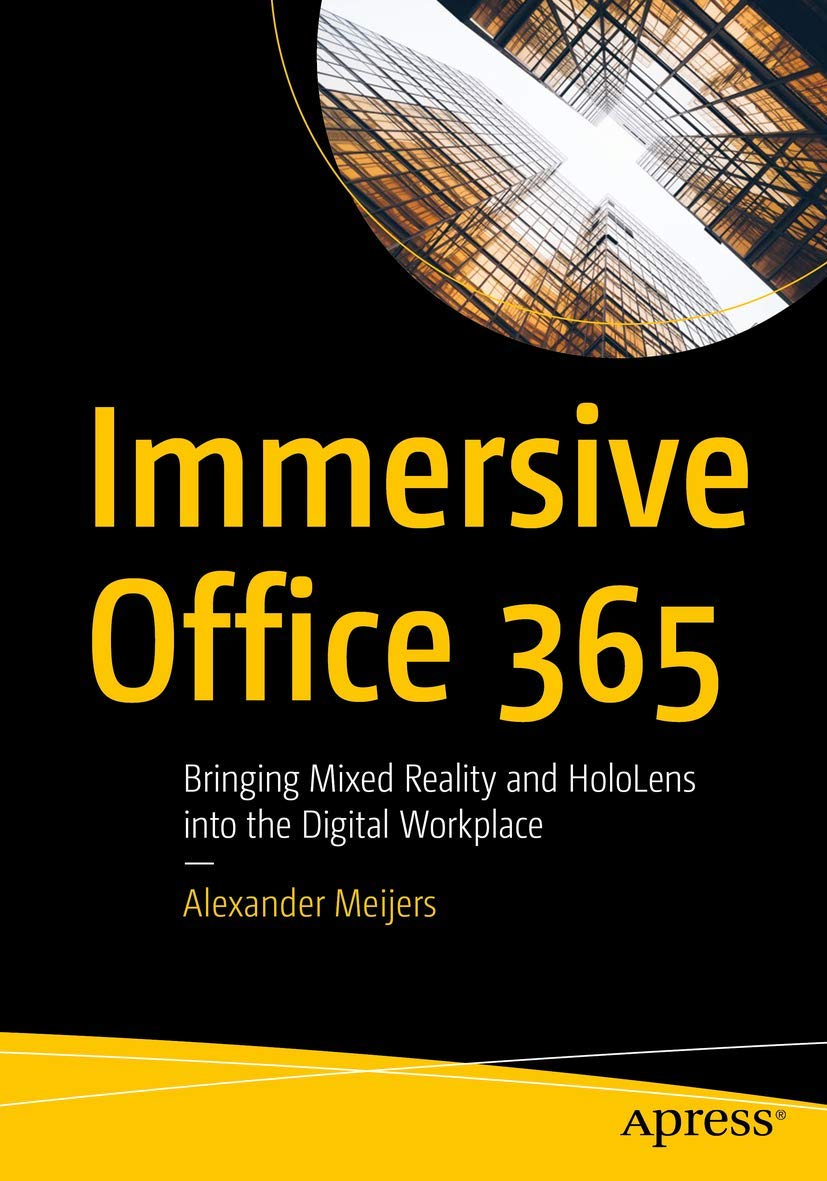
Immersive Office 365: Bringing Mixed Reality and HoloLens into
Immersive Office 365: Bringing Mixed Reality and HoloLens into
Price subject to change. Tap below for current.
Couldn't load pickup availability
In this review of Immersive Office 365, the book's single biggest strength is its clear, practical bridge between Office 365 data and mixed reality visualization. Written for developers and technical architects, the author explains how to extract collaboration and content from Office 365 with the Microsoft Graph API and then present that information in three dimensions on a HoloLens 2 device. The review finds the book particularly valuable for teams who want a hands-on path from data to immersive prototypes rather than a high-level concept overview.
Key Features
- Graph API access: Shows how to retrieve a broad range of Office 365 data so readers can build apps that reflect real collaboration and content relationships.
- HoloLens 2 integration: Describes presenting visualized data on a mixed reality device so users can interact with 3D charts and spatial models at their desk.
- Unity and Visual Studio guidance: Provides practical direction for using common development tools to create and debug immersive experiences.
- Data-driven visualization: Teaches techniques to turn user and collaboration metadata into spatial graphs and charts that reveal workplace relationships.
- Practical examples: Focuses on implementable workflows so readers can move from API calls to tangible HoloLens prototypes.
Who It's For
This book is best for developers, UX engineers and IT architects who already have some familiarity with Office 365 and want to explore mixed reality use cases. It is geared toward people who will build prototypes or internal tools that surface collaboration and content in spatial form.
Readers seeking a purely business or strategy primer on mixed reality, or nontechnical managers who want high-level market analysis, should look elsewhere; this text assumes a willingness to work with APIs, Unity and Visual Studio to produce working demos.
Pros & Cons
Pros
- Practical walkthroughs help developers connect Office 365 data to visual outputs rather than staying theoretical.
- Clear focus on HoloLens 2 makes it applicable for teams targeting current mixed reality hardware.
- Covers essential tooling, including Unity and Visual Studio, so readers can assemble a real pipeline from data to visualization.
Cons
- Not a beginner primer: readers without development experience may find some sections dense or fast-paced.
Specifications
| Title | Immersive Office 365: Bringing Mixed Reality and HoloLens into the Digital Workplace |
| Author | Alexander Meijers |
| Platform focus | Office 365 and Microsoft Graph API |
| Mixed reality device | Microsoft HoloLens 2 |
| Development tools | Unity and Visual Studio |
| Primary topic | Data visualization and immersive workplace apps |
Our Verdict
Immersive Office 365 is a focused, practical guide for technical teams wanting to move Office 365 data into mixed reality on HoloLens 2. It delivers actionable techniques and tool guidance, making it good value for developers ready to prototype immersive workplace visualizations.
Frequently Asked Questions
Does the book explain how to access Office 365 data?
Yes. It centers on using the Microsoft Graph API to retrieve collaboration and content data from Office 365.
Is HoloLens 2 required to benefit from the book?
The book is written around HoloLens 2 as the target device, but many visualization and Unity techniques are useful even if testing on other devices.
What tooling do I need to follow the examples?
Examples use Unity and Visual Studio along with Office 365 credentials and Graph API access to build and deploy mixed reality prototypes.
Editor's Take
Immersive Office 365 is a focused, practical guide for developers who want to visualize Office 365 data in mixed reality; it provides actionable techniques and tool guidance to build HoloLens 2 prototypes.

Recently viewed
Recently viewed products will appear here as customers browse the store.