

Plustek PS186 Desktop Document Scanner - Fast ADF Scanning for Office
Plustek PS186 Desktop Document Scanner - Fast ADF Scanning for Office
Price subject to change. Tap below for current.
Couldn't load pickup availability
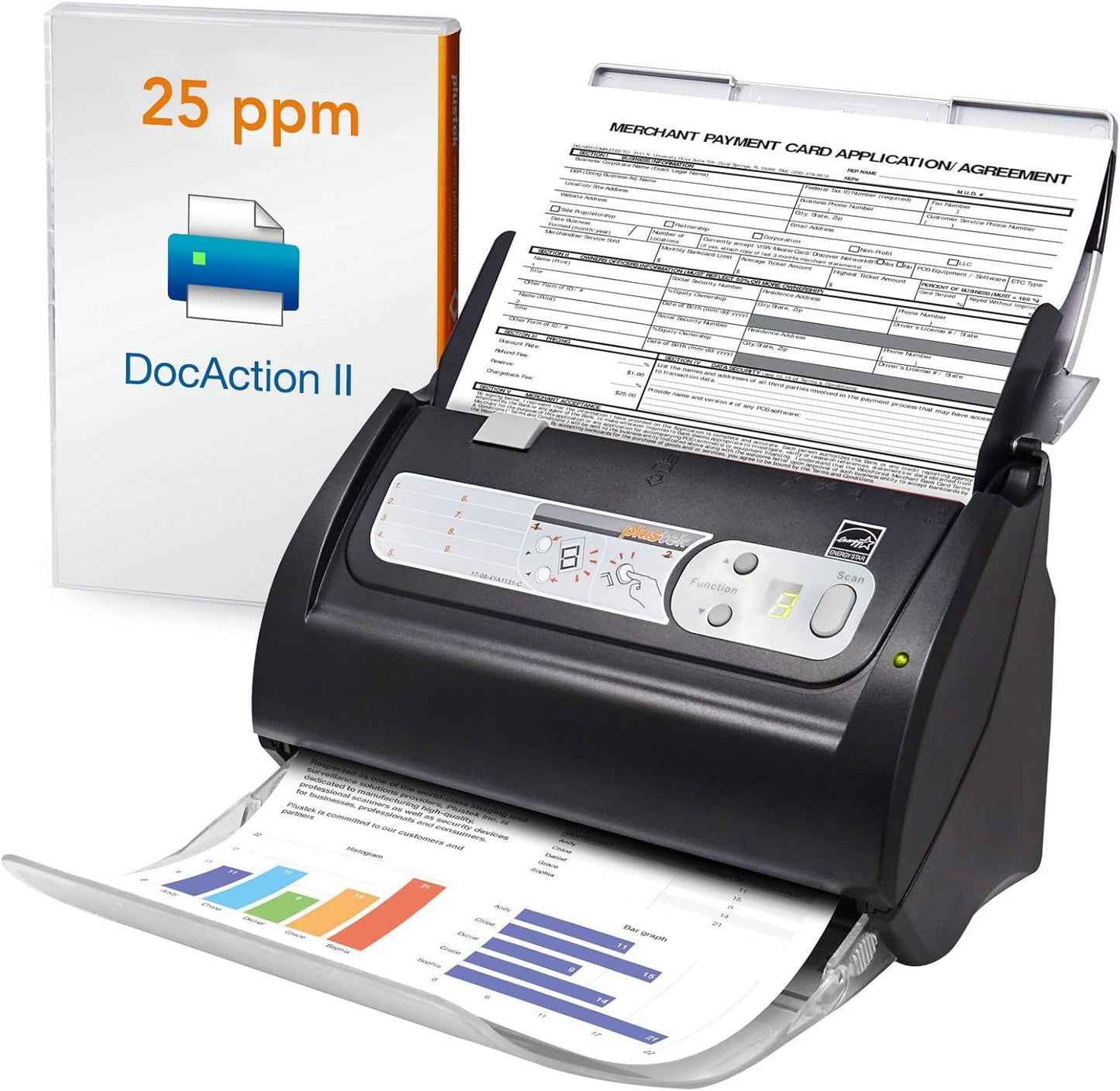
Our review of the Plustek PS186 Desktop Document Scanner finds it best suited for small offices and busy home users who need a reliable, fast document capture workflow. The single most convincing reason to buy is the 50-page ADF combined with software features like OCR and barcode recognition that turn stacks of paper into searchable, organized files with minimal intervention. Setup is straightforward on supported Windows PCs and the unit focuses on practical speed and automation rather than luxury extras.
Key Features
- 50-page ADF: The automatic document feeder handles multi-page jobs so users can scan long stacks without babysitting the scanner.
- Single Touch: Up to 255 customizable scan profiles let users start complex scan routines with one button and consistent results.
- OCR and Searchable PDF: Built-in OCR converts scans into editable, searchable PDF files for easier archiving and retrieval.
- Info Barcode: 1D and 2D barcode recognition automatically categorizes pages, speeding up processing of mixed documents.
- Image Processing: Auto rotate, crop, deskew and blank page removal improve output quality and reduce manual cleanup.
- Network and File Support: Scans can be sent to FTP or NAS and saved as PDF, JPEG, TIFF or PNG for flexible file management.
Who It's For
The Plustek PS186 is ideal for small offices, legal practices, or home users who process frequent multi-page documents and need fast, repeatable scans. Users who value automation will appreciate the Single Touch profiles and barcode sorting for batch workflows.
It is less suitable for macOS users or those needing specialized image editing tools, since the product supports Windows 7/8/10/11 (Intel/AMD only) and relies on the vendor drivers and processing features rather than third-party imaging suites.
Pros & Cons
Pros
- Fast throughput with duplex scanning and a 50-page ADF for efficient batch processing.
- Strong automation thanks to up to 255 Single Touch profiles and Info Barcode categorization.
- Built-in OCR creates searchable, editable PDFs that simplify document management.
- Helpful image processing removes blank pages and corrects orientation for cleaner output.
Cons
- Windows-only support limits use for macOS environments and requires Intel/AMD systems.
- Some users report mixed results with color reproduction and image quality on certain document types.
Specifications
| Brand | plustek |
| Model | PS186 Desktop Document Scanner |
| ADF Capacity | 50 pages |
| Operating System | Windows 7/8/10/11 (Intel/AMD only) |
| Output Formats | PDF, JPEG, TIFF, PNG |
| Key Software Features | OCR, Info Barcode, Auto Rotate/Crop/Deskew, Blank Page Removal |
Our Verdict
The Plustek PS186 is a practical, value-oriented document scanner for Windows users who need dependable batch scanning and automated file handling. Its 50-page ADF, extensive Single Touch customization and barcode-driven sorting make it a strong choice for small offices that prioritize efficiency and searchable archives over advanced color fidelity or platform flexibility.
Frequently Asked Questions
Does this scanner create searchable PDFs?
Yes. The PS186 includes OCR that converts scans into searchable and editable PDF files.
Can scanned files be sent to a network location?
Yes. The unit supports sending scanned files to an FTP server or personal NAS and saves as PDF, JPEG, TIFF or PNG.
Which operating systems are supported?
The scanner supports Windows 7, 8, 10 and 11 on Intel/AMD systems; drivers are available from the Plustek website.
Editor's Take
The Plustek PS186 is a practical, value-oriented Windows document scanner with a 50-page ADF, OCR and barcode sorting, well suited for small offices needing fast, automated batch scanning.

Recently viewed
Recently viewed products will appear here as customers browse the store.