

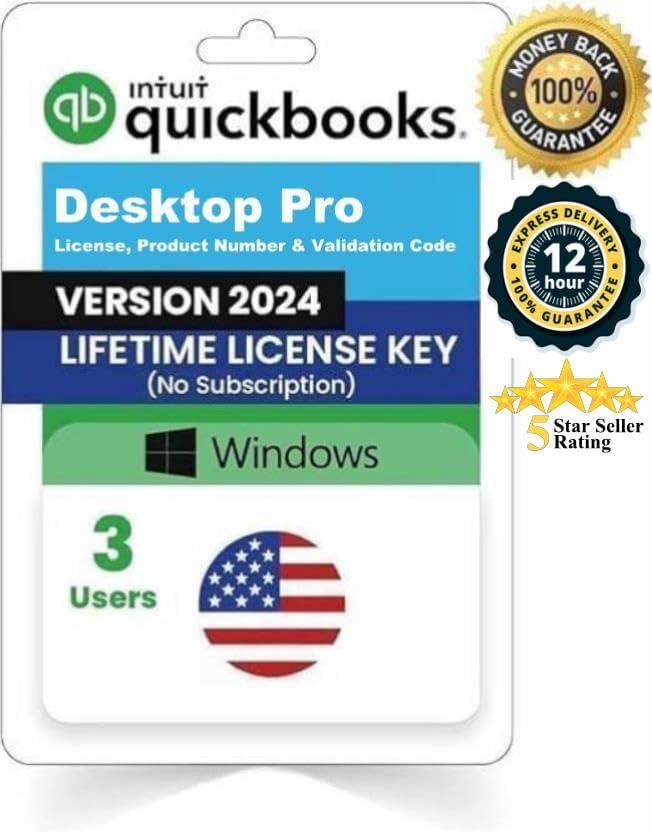
QBDT Pro 2024 3 Users Lifetime License - Windows Desktop
QBDT Pro 2024 3 Users Lifetime License - Windows Desktop
Price subject to change. Tap below for current.
Couldn't load pickup availability
In this review of QBDT Pro 2024 the focus is practical bookkeeping for small teams that need a one-time purchase rather than a subscription. The largest reason to consider it is simple: this package delivers a lifetime license for up to three users and works as a standalone Windows desktop product, making it attractive for businesses that want local control over files and predictable cost. The review evaluates installation, activation delivery method, limitations around official vendor support, and everyday usability based on user feedback.
Key Features
- Lifetime license: A one-time purchase removes recurring fees and gives permanent access to the desktop software for three concurrent users.
- Fast digital delivery: License details are sent via buyer-seller messaging within 12 hours so businesses can install quickly without waiting for lengthy shipping.
- Windows desktop only: The product runs on Windows systems which keeps files local and compatible with many existing accounting workflows.
- Manual bank feeds: Bank connections must be imported manually, providing a deterministic workflow for reconciliation when direct feeds are not available.
- Installation support documents: Written installation and activation instructions are provided through the messaging service and by mail as backup, aiding straightforward setup.
- Third-party origin: Licenses come from remaining retail stock of third-party sellers, which allows registration outside of subscription models but also affects official validation.
Who It's For
This package is best for small businesses or bookkeeping professionals who prefer a local Windows desktop accounting solution and want predictable, one-time licensing for up to three users. It suits teams that can manage occasional manual tasks such as importing bank feeds and who value offline file control over cloud convenience.
Those who rely on official vendor support, payroll subscription add-ons, or automatic bank feed connections should look elsewhere. Also avoid this option if you need direct migration tools from the cloud product or in-product vendor validation of license codes.
Pros & Cons
Pros
- Functional desktop software that users report is easy to install and use for standard accounting tasks.
- Clear instructions and timely delivery of license details make setup straightforward for most buyers.
- Good value for organizations seeking a non-subscription, lifetime desktop license for three users.
- Local files and one-time cost appeal to those controlling data and budgets.
Cons
- The vendor no longer provides official product validation or direct support for these third-party license codes, so official support channels may not recognize the license.
- Payroll subscription add-on is unavailable and bank feeds require manual import, adding extra administrative steps.
Specifications
| Product | QBDT Pro 2024 Desktop |
| License type | Lifetime, one-time purchase |
| Users | 3 concurrent users |
| Delivery method | Buyer-seller message within 12 hours and mailed letter backup |
| Platform | Windows only |
| Payroll | Payroll subscription add-on not available |
| Bank feeds | Manual import required |
Our Verdict
QBDT Pro 2024 is a practical, cost-effective choice for small teams that need a local Windows desktop accounting package and prefer a one-time license. It delivers good day-to-day functionality and clear setup instructions, but buyers must accept that official vendor validation and some cloud conveniences are not available. For teams that can manage manual bank imports and do not need vendor support, this is sound value.
Frequently Asked Questions
How will I receive the license?
License details are sent through the buyer-seller messaging service within 12 hours and a letter with codes is mailed as backup.
Will the software be supported by the original vendor?
Official vendor support and registration visibility are not available for these third-party license codes, so vendor validation may not work.
Can I use payroll or automatic bank feeds?
The payroll subscription add-on is not available and bank feeds must be imported manually depending on the bank.
Editor's Take
QBDT Pro 2024 is a cost-effective Windows desktop solution for small teams needing a one-time, three-user license; it delivers good functionality and clear setup but lacks official vendor validation and automatic bank feeds.

Recently viewed
Recently viewed products will appear here as customers browse the store.