

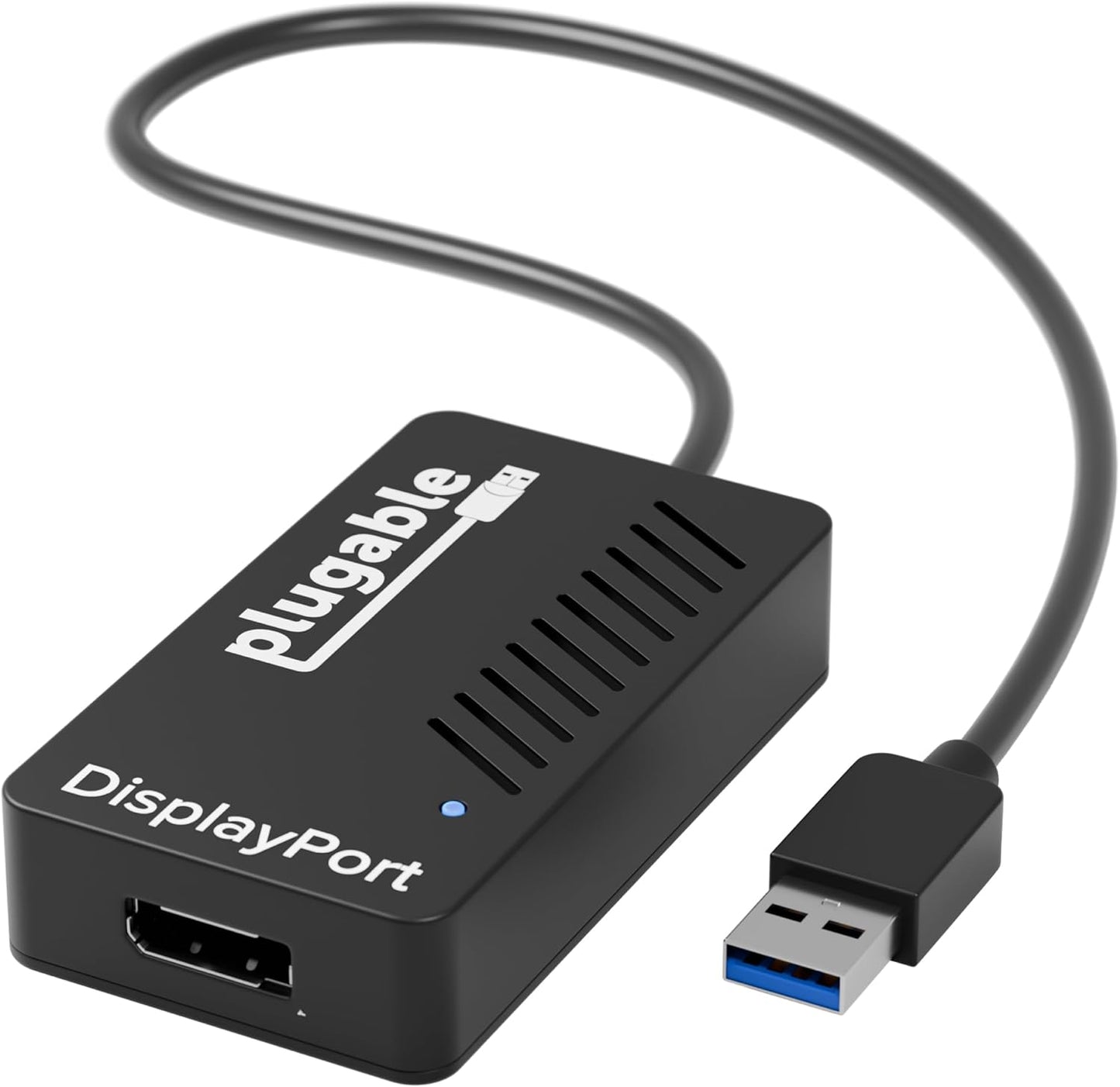
USB 3.0 to DisplayPort 4K Video Adapter - Expand to Multiple Monitors
USB 3.0 to DisplayPort 4K Video Adapter - Expand to Multiple Monitors
Price subject to change. Tap below for current.
Couldn't load pickup availability
In this review the Plugable USB 3.0 to DisplayPort adapter is judged as a practical, no-frills way to expand desktop space for users who need additional screens without replacing their graphics card. The biggest reason to choose it is straightforward: it leverages DisplayLink technology to add multiple 4K-capable DisplayPort outputs from a single USB 3.0 connection, making it well suited for productivity setups where extra independent displays matter.
Key Features
- Multiple Displays: Lets users add up to six 3840x2160 at 30Hz DisplayPort displays on Windows and up to four on macOS using DisplayLink technology for broad multi-monitor setups.
- Broad Compatibility: Works with a wide range of systems including Windows, macOS 10.14+, ChromeOS, and older Windows versions after installing the DisplayLink driver.
- Compact and Portable: Small enough to fit in a laptop bag, the adapter is easy to carry for mobile workstations and travel.
- No External Power: Runs without a separate power adapter, simplifying desk clutter when adding extra screens.
- USB-C Ready: Compatible with USB-C systems when used with a simple USB-C to USB-A adapter, extending usability to newer laptops.
Who It's For
This adapter is best for professionals, remote workers, and multitaskers who want to expand their workspace with independent windows across several monitors without upgrading their GPU. It is particularly useful when a laptop or desktop has limited video outputs but an available USB 3.0 port.
It is less well suited for users who need native GPU-driven high refresh gaming displays or those requiring full 60Hz at 4K for every connected monitor, since the adapter targets 4K at 30Hz and uses DisplayLink software rendering. Users seeking direct HDMI feature parity should verify their monitor and cable choices first.
Pros & Cons
Pros
- Reliable multi-monitor expansion using the DisplayLink DL chipset, praised for solid functionality and build quality.
- Supports up to 3840x2160 at 30Hz per DisplayPort output on supported systems, enabling clear high resolution desktop space.
- Compact, bus-powered design makes it easy to transport and keeps desks tidy without extra power bricks.
Cons
- Some users report inconsistent 4K functionality or limitations with certain monitor resolutions and HDMI conversion, so results may vary by setup.
Specifications
| Interface | USB 3.0 (compatible with USB-C via adapter) |
| Output | DisplayPort (requires DisplayPort cable) |
| Max Resolution | 3840x2160 at 30Hz per display (DisplayLink) |
| Multi-Monitor Support | Up to 6 displays on Windows, up to 4 on macOS (one 4K per adapter on macOS) |
| Compatibility | Windows 11/10/8.1/7/XP, macOS 10.14+, ChromeOS (DisplayLink driver required) |
| Power | Bus-powered, no external adapter required |
Our Verdict
The Plugable USB 3.0 to DisplayPort adapter is a practical and cost-effective solution for users who need to add multiple independent monitors for productivity. It delivers solid compatibility and portability, and for most office or creative multitasking workflows it represents good value, though those needing full 60Hz 4K or guaranteed HDMI pass-through should check their specific monitor and cable setup first.
Frequently Asked Questions
Do I need any cables or drivers?
You will need a DisplayPort cable to connect displays and the DisplayLink driver must be installed for supported operating systems.
Will this work with USB-C laptops?
Yes, it is compatible with USB-C when used with a USB-C to USB-A adapter, but driver installation remains required.
Can it run multiple 4K monitors at 60Hz?
No, the adapter is specified for 3840x2160 at 30Hz per display; users needing 60Hz should consider native GPU outputs or alternate hardware.
Editor's Take
A practical, portable way to add multiple independent displays using DisplayLink; great for productivity and small workstations, though limited to 4K at 30Hz and dependent on driver compatibility.

Recently viewed
Recently viewed products will appear here as customers browse the store.