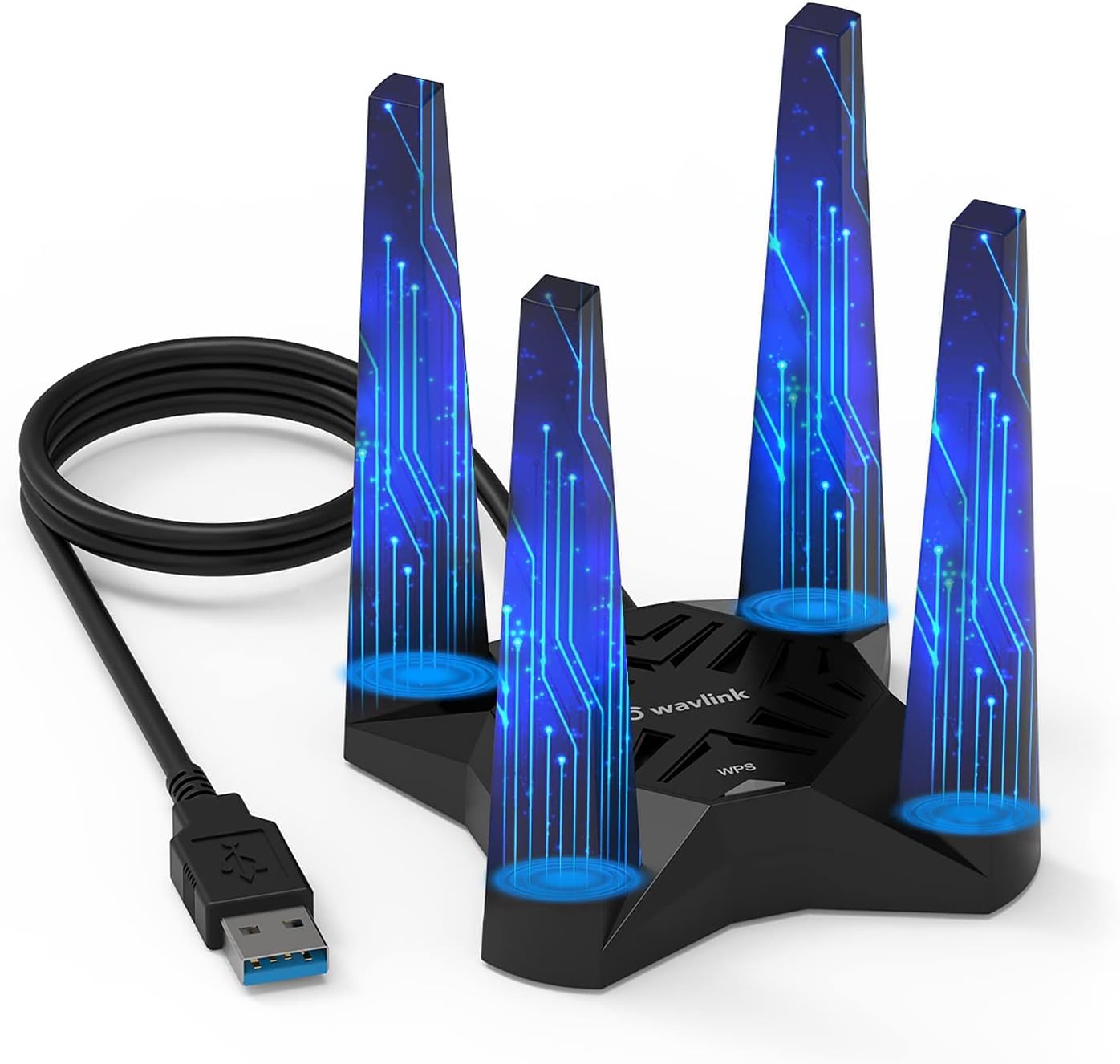
USB WiFi Adapter for Desktop PC - AX1800 WiFi 6 Performance
USB WiFi Adapter for Desktop PC - AX1800 WiFi 6 Performance
Price subject to change. Tap below for current.
Couldn't load pickup availability
The USB WiFi Adapter for Desktop PC is a game-changer for anyone looking to enhance their internet connectivity. With support for both 2.4GHz and 5GHz frequency bands, this adapter delivers impressive speeds of up to 600Mbps on 2.4GHz and 1200Mbps on 5GHz. This means you can enjoy a stable and fast wireless signal, perfect for gaming, streaming video, and more.
Equipped with four high-gain antennas, this AX1800 WiFi 6 Adapter significantly increases your WiFi coverage and stability. The 3dBi antennas ensure that you receive a strong signal, even in larger spaces. Plus, the included USB3.0 cable supports data transfer speeds of up to 5Gbps, providing maximum throughput performance for your desktop PC.
One of the standout features of this adapter is its Soft AP mode. This function allows you to turn a wired network connection into a WiFi hotspot, enabling you to transmit wireless signals from your networked PC to your mobile devices, laptops, tablets, and more. Alternatively, in WiFi mode, you can connect directly to the WiFi signal, achieving a remarkable 1800Mbps network speed without the need for an Ethernet cable.
Security is a top priority with the WAVLINK USB WiFi Adapter. It adopts WPA3 encryption, which is backward compatible with WPA2/WPA, ensuring a secure connection for your devices. The magnetic base design, along with a 3.28ft cable, allows for flexible placement, making it an ideal choice for desktop setups.
Compatibility is straightforward as this wifi adapter only supports Windows 10/11 (32/64 bit). It comes with a built-in driver for easy installation, ensuring seamless usage right out of the box. If the driver pop-up window does not appear, simply navigate to This PC, locate the 'CD Drive', and proceed with the installation.
For any after-sales support, feel free to reach out via phone or email. The dedicated support team is available to assist you with any questions or concerns you may have. If you need to download the driver manually, you can search for WL-WN693X1F in the Support-Driver section on the WAVLINK website to get the latest version.
Share