

Waveshare 5 in Capacitive Touch Screen for Raspberry Pi - Compact DSI
Waveshare 5 in Capacitive Touch Screen for Raspberry Pi - Compact DSI
Price subject to change. Tap below for current.
Couldn't load pickup availability
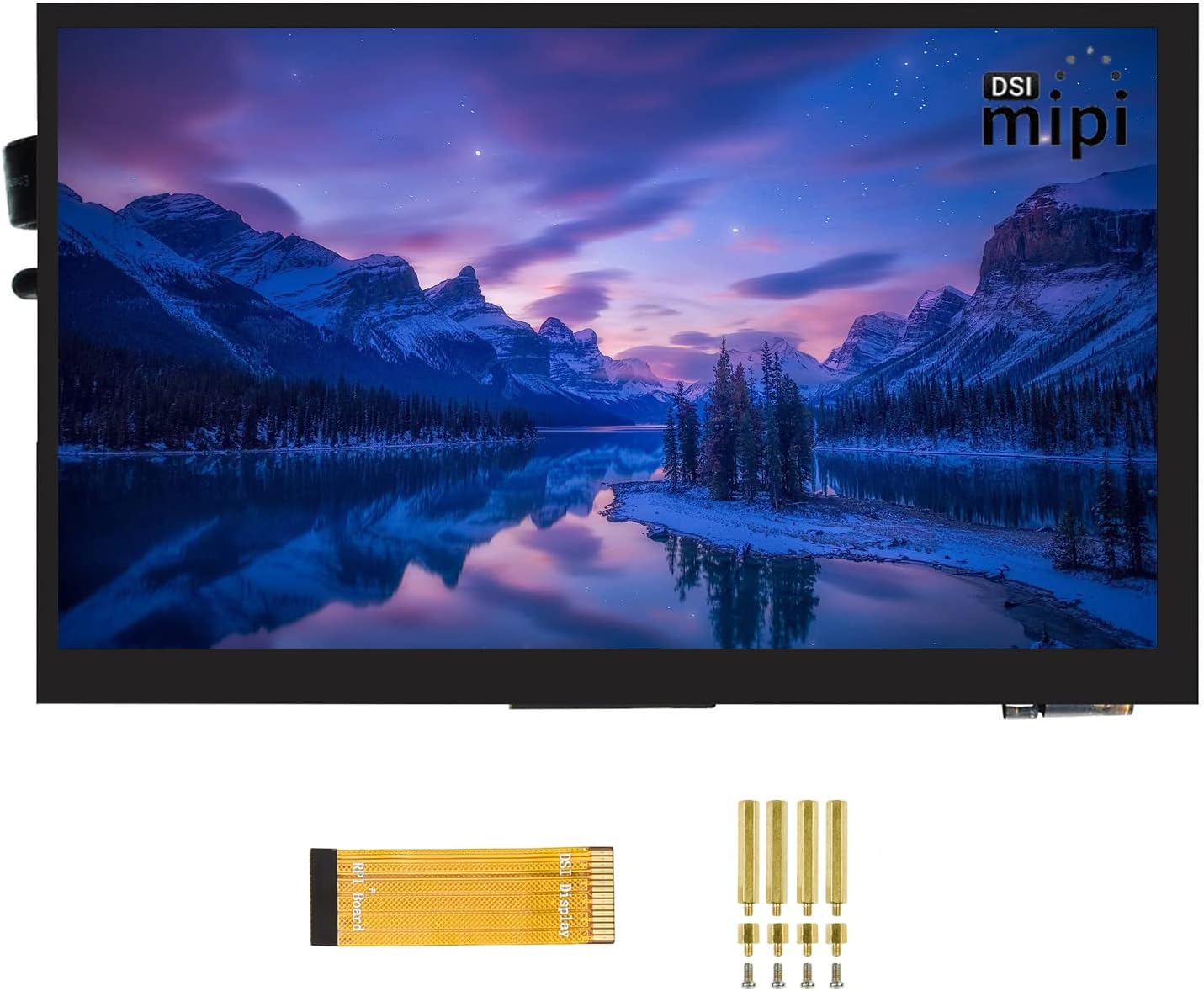
In this review the Waveshare 5 in capacitive touch display is examined for makers, hobbyists and anyone wanting a compact Raspberry Pi display. The bottom line: it is a solid, driver-free DSI monitor with an 800 x 480 TFT panel and up to 5-point touch that works out of the box on standard Pi images, making it useful for projects where a small, responsive screen is needed. The tradeoff is its modest size, which suits embedded projects more than desktop use.
Key Features
- 5 in TFT panel: The 800 x 480 hardware resolution gives a clear, readable image for menus, consoles and light GUI tasks on a compact screen.
- Capacitive 5-point touch: Multi-touch support enables simple gestures and on-screen controls for interactive projects without extra drivers.
- MIPI DSI interface: Direct DSI connection to Raspberry Pi provides a clean single-cable video path with up to 60Hz refresh for smoother motion.
- Driver-free compatibility: Works with Raspbian, Ubuntu, Kali and WIN 10 IOT images so setup is straightforward for standard Raspberry Pi OS installs.
- Toughened glass touch panel: The hardened surface resists scratches and feels stable under finger input for repeated use in projects.
- Adjustable brightness: Brightness control via software lets users tune display output for indoor or dim environments.
Who It's For
This screen is best for Raspberry Pi hobbyists, retro gaming builders using RetroPie, and embedded projects where a compact, responsive display is required. It is especially useful when you want an integrated look; the Pi can be mounted directly to the panel for a tidy single-unit build.
It is less suited to users who need a large desktop monitor, detailed photo editing or full HD video work, since the 5 in size and 800 x 480 resolution limit fine detail and workspace compared with larger panels.
Pros & Cons
Pros
- Compact 5 in form factor that integrates easily into Pi projects and small enclosures.
- Driver-free operation with common Pi OS images simplifies setup for most users.
- Hardware capacitive touch with up to 5-point input gives responsive multi-touch control for interfaces and games.
- MIPI DSI connection and up to 60Hz refresh rate provide smooth display performance for UI and light video.
Cons
- Small screen size may feel cramped for some users and is not a replacement for larger monitors.
- Compute Module 3/3+ requires an additional adapter board, which adds cost and assembly steps.
Specifications
| Screen size | 5 in |
| Resolution | 800 x 480 |
| Touch type | Capacitive, up to 5-point touch |
| Interface | MIPI DSI |
| Refresh rate | Up to 60Hz |
| OS Compatibility | Raspbian, Ubuntu, Kali, WIN 10 IOT (driver-free) |
| Additional notes | CM3/3+ needs separate adapter board; adjustable brightness via software |
Our Verdict
The Waveshare 5 in DSI display is a practical, value-oriented choice for Raspberry Pi projects that need a compact touch interface. It delivers reliable driver-free compatibility, multi-touch input and a durable glass surface, making it ideal for kiosks, RetroPie builds and embedded applications where space is limited. Those needing larger, higher-resolution screens should look elsewhere.
Frequently Asked Questions
Will this work with Raspberry Pi 4B out of the box?
Yes, it connects to the Pi 4B via the DSI port and works with standard Pi OS images without extra drivers.
Can I use it with a Compute Module 3 or 3+?
Yes, but a separate adapter board is required to connect the CM3/3+ to the DSI display.
Does the touchscreen require drivers for Raspbian?
No, the display is driver-free on supported OS images such as Raspbian, Ubuntu and Kali.
Editor's Take
A compact, driver-free 5 in DSI display that delivers reliable touch and good value for Raspberry Pi projects, ideal for embedded builds and RetroPie where space is limited.

Recently viewed
Recently viewed products will appear here as customers browse the store.