

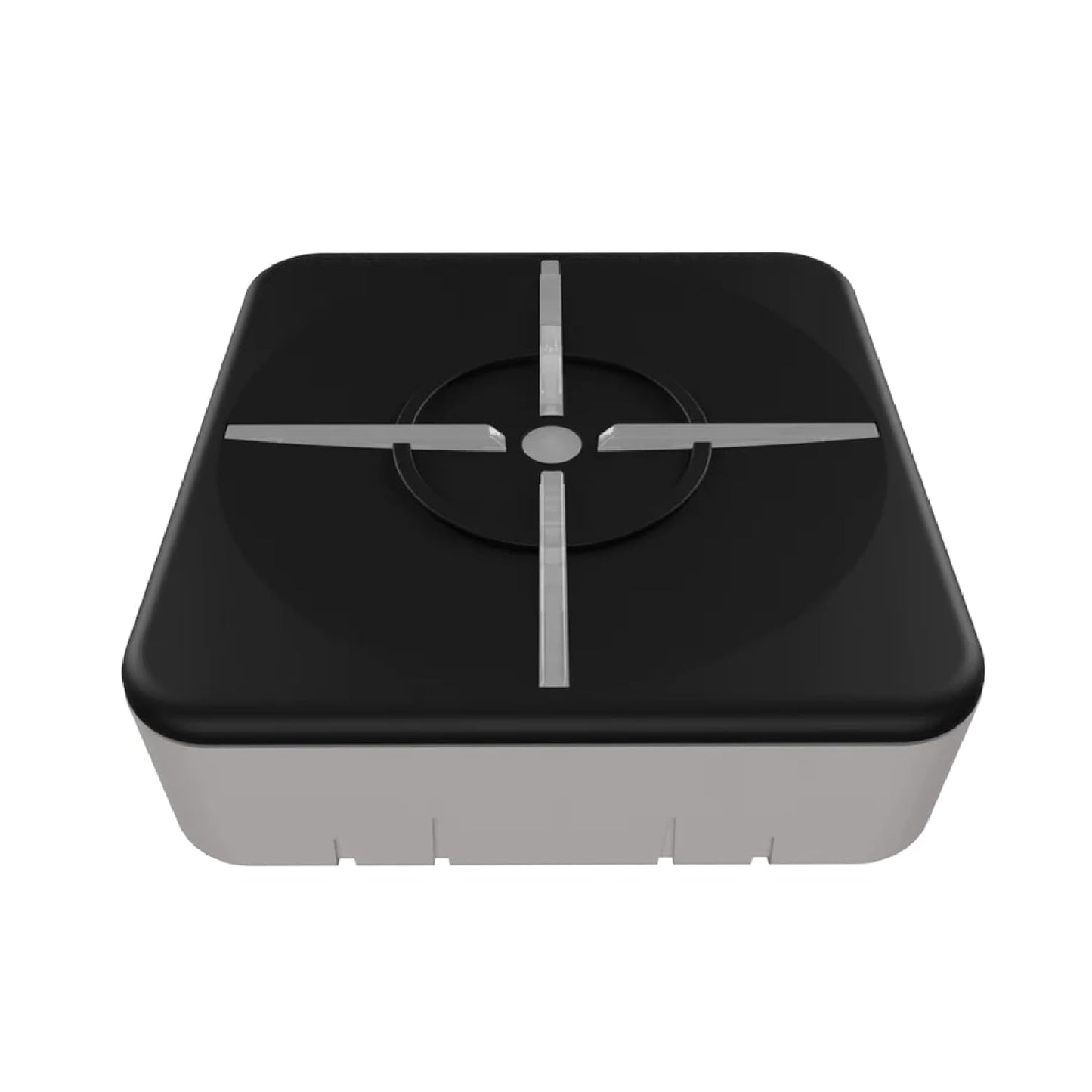
XIM Matrix Multi-Input Adapter Converter for Consoles and PC
XIM Matrix Multi-Input Adapter Converter for Consoles and PC
Price subject to change. Tap below for current.
Couldn't load pickup availability
Our review of the XIM Matrix finds it best suited for players who want precise aim and flexible input choices across consoles and PC. The adapter's single biggest selling point is its proprietary Smart Translator precision aim system, which makes mouse and gyro aiming feel far more natural on Xbox Series X|S, PS5, Xbox One, PS4, and Windows. It is not plug-and-play: expect an initial setup with the XIM Matrix Manager app and occasional troubleshooting, but once configured it delivers a genuinely improved, customizable input experience for competitive or accessibility-focused players.
Key Features
- Cross-platform support: Works with Xbox Series X|S, PlayStation 4 and 5, Xbox One, and PC so players can use preferred inputs across systems.
- Smart Translator precision: Proprietary aim translation reduces the gap between mouse precision and controller movement for tighter, more consistent aiming.
- Smart Actions macro engine: Advanced macro options let users automate complex input sequences and customize gameplay behavior.
- Multiple input types: Supports mice, keyboards, gyro controllers, and mixed setups to accommodate diverse play styles and accessibility needs.
- Firmware and app updates: XIM Matrix Manager enables firmware updates and configuration on iOS, Android, Windows, and macOS to keep performance current.
Who It's For
The XIM Matrix is ideal for competitive console players who want the precision of a mouse, gamers with disabilities who require alternative input methods, and PC users who want to bridge controller and mouse setups. It is also useful for players who switch between platforms but prefer a single input configuration.
Players who expect a plug-and-play experience or who are uncomfortable with firmware updates and Bluetooth/USB pairing may want to look elsewhere, since the Matrix requires the XIM Manager app and careful setup to avoid connectivity or lag issues reported by some users.
Pros & Cons
Pros
- Enables highly precise aim using the Smart Translator system for mouse and gyro inputs.
- Flexible input support and advanced macro options cater to varied controllers and accessibility setups.
- Active community and official resources provide guides, compatibility lists, and firmware downloads.
- Works across modern consoles and PC, making it a versatile multi-platform adapter.
Cons
- Not plug-and-play: requires the XIM Matrix Manager app and care with firmware, cables, and ports to avoid connectivity issues.
- Some users report occasional connection or app stability problems, so troubleshooting knowledge is helpful.
Specifications
| Product name | XIM Matrix Multi-Input Adapter Converter |
| Compatible systems | Xbox Series X|S, PS5, Xbox One, PS4, PC |
| Key technologies | Smart Translator precision, Smart Actions macro engine |
| Setup requirements | XIM Matrix Manager app; Bluetooth LE or USB and firmware updates |
| App compatibility | iOS 13+, Android 6+, Windows 10 x64+ with Bluetooth LE; USB firmware for macOS 10.11+ |
| Support resources | Official forum, xim.tech videos and guides, firmware downloads |
Our Verdict
The XIM Matrix is a strong choice for players who need precise aim and broad input flexibility across consoles and PC; its Smart Translator and macro engine deliver clear gameplay advantages once setup is complete. While it demands some technical patience for pairing, firmware updates, and troubleshooting, the versatility and community support make it good value for serious console-to-mouse users and accessibility-focused gamers.
Frequently Asked Questions
Do I need an app to use the XIM Matrix?
The XIM Matrix Manager app is required for configuration and firmware updates; it supports iOS, Android, Windows, and USB on macOS for updates.
Will it work with my wireless mouse?
Wireless mice are supported but may require extra setup and tuning for optimal performance; the community forum has specific guides for popular models.
What if I see connection lag or LED issues?
Troubleshooting steps include updating firmware, using high-quality USB cables, checking port power, confirming Bluetooth LE pairing, and consulting the official troubleshooting guides.
Editor's Take
The XIM Matrix delivers precise aim and flexible input options across consoles and PC, making it a strong pick for competitive and accessibility-focused players who can manage app setup and firmware updates.

Recently viewed
Recently viewed products will appear here as customers browse the store.